Ten AI garden and backyard tools compared by rating, price and practical usefulness—with one important warning about mature planting and local climate.
Updated
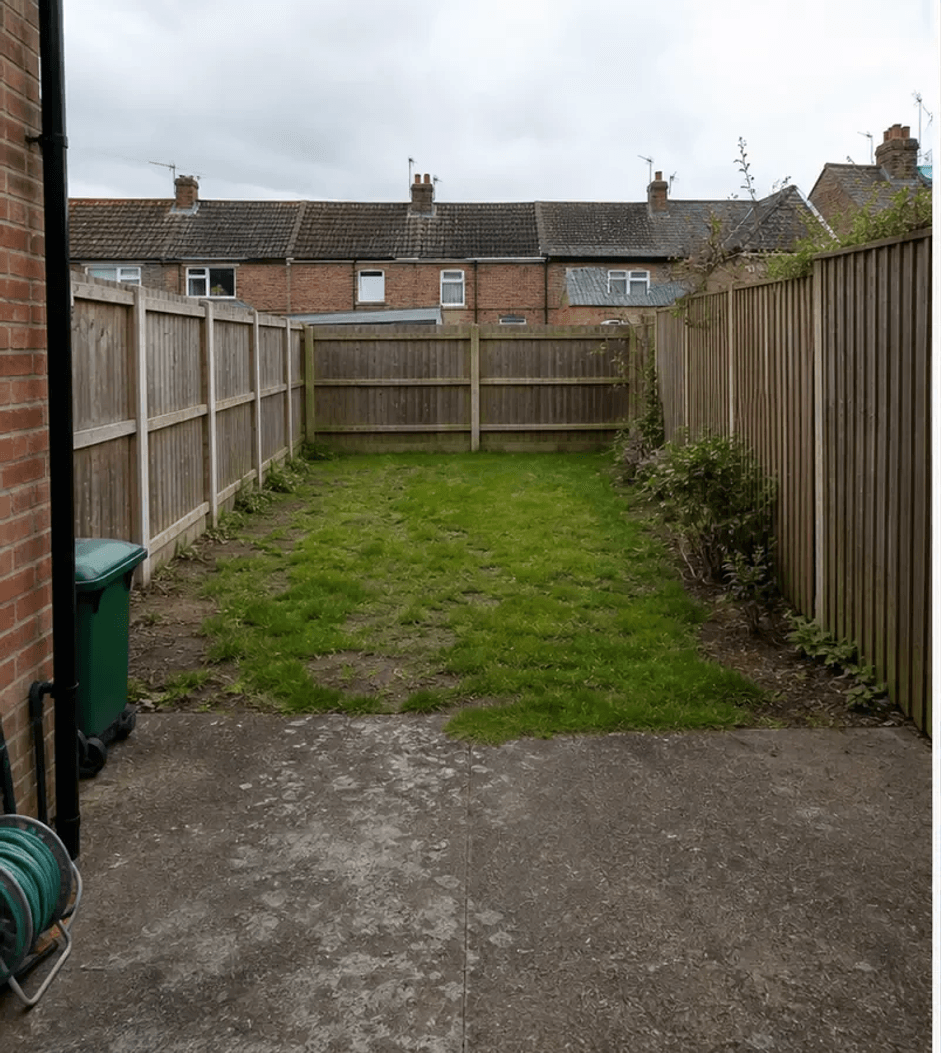
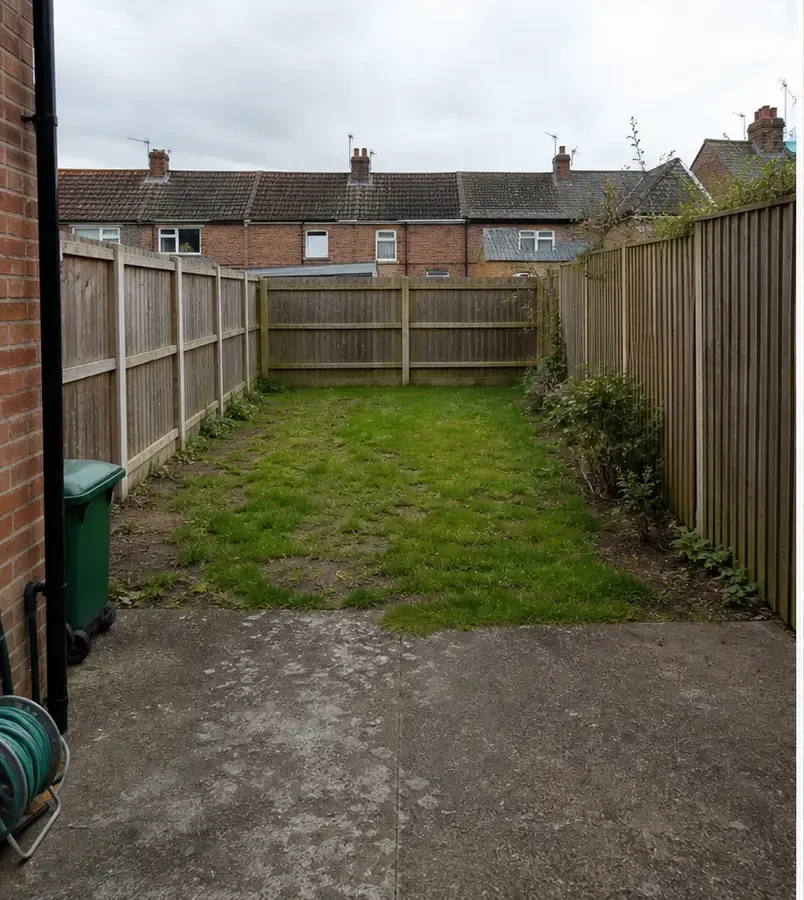
Before
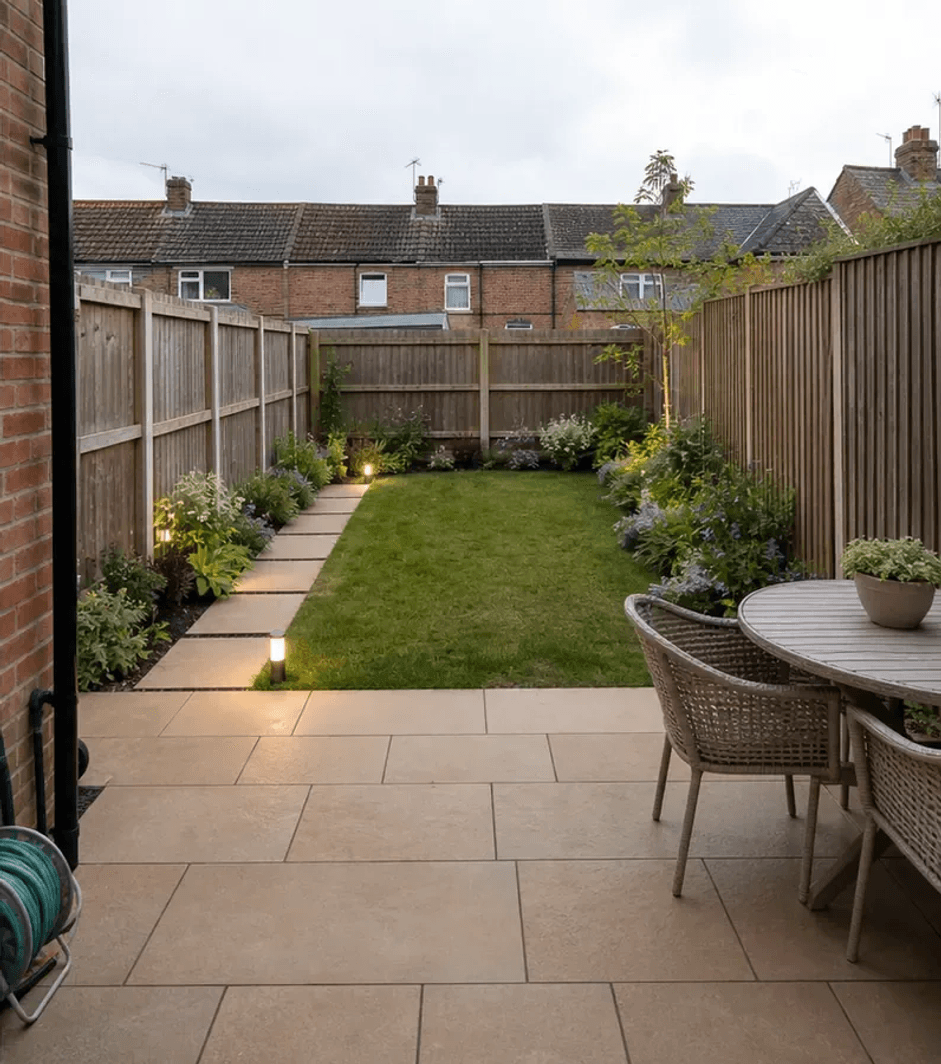
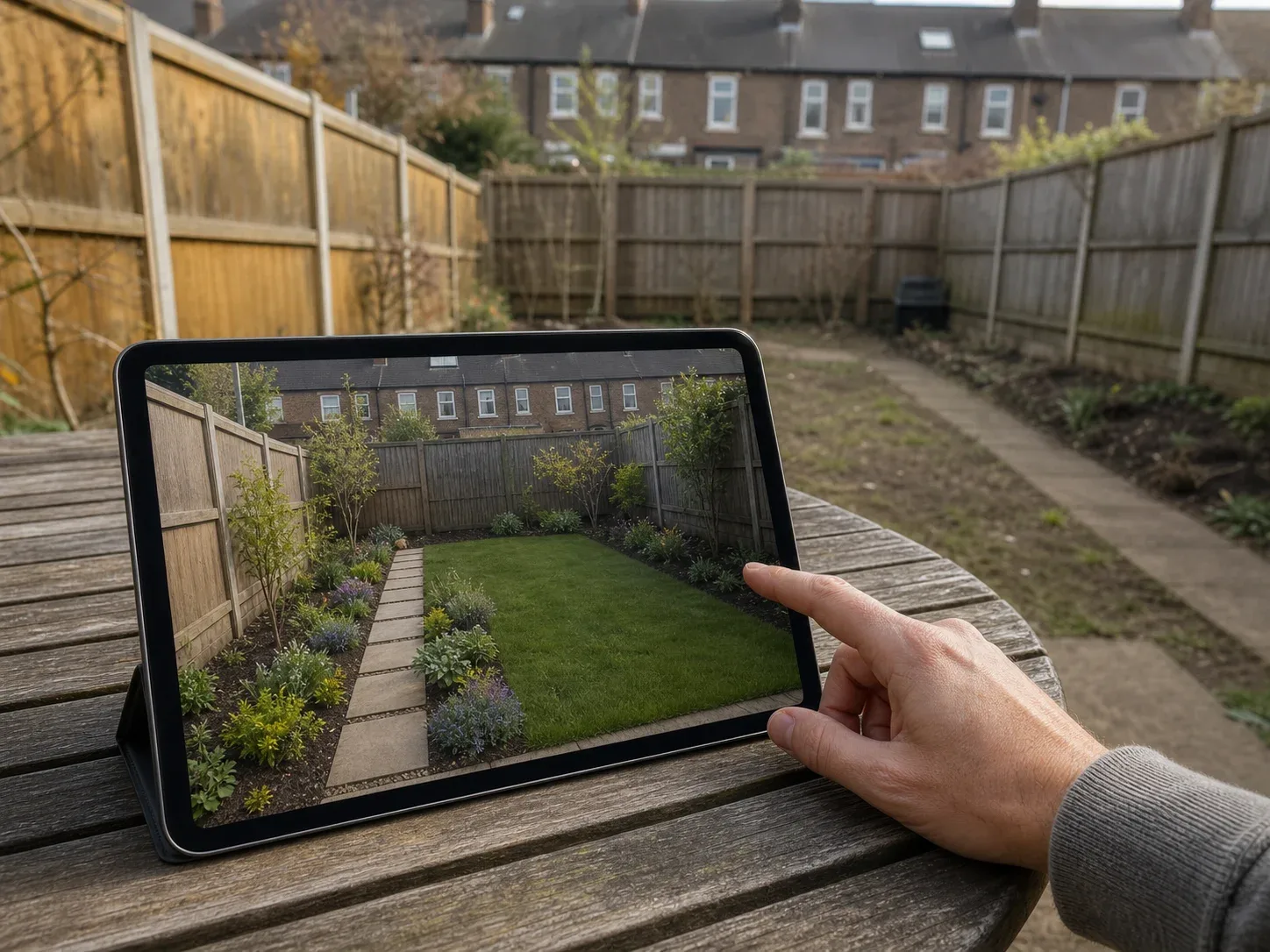
After
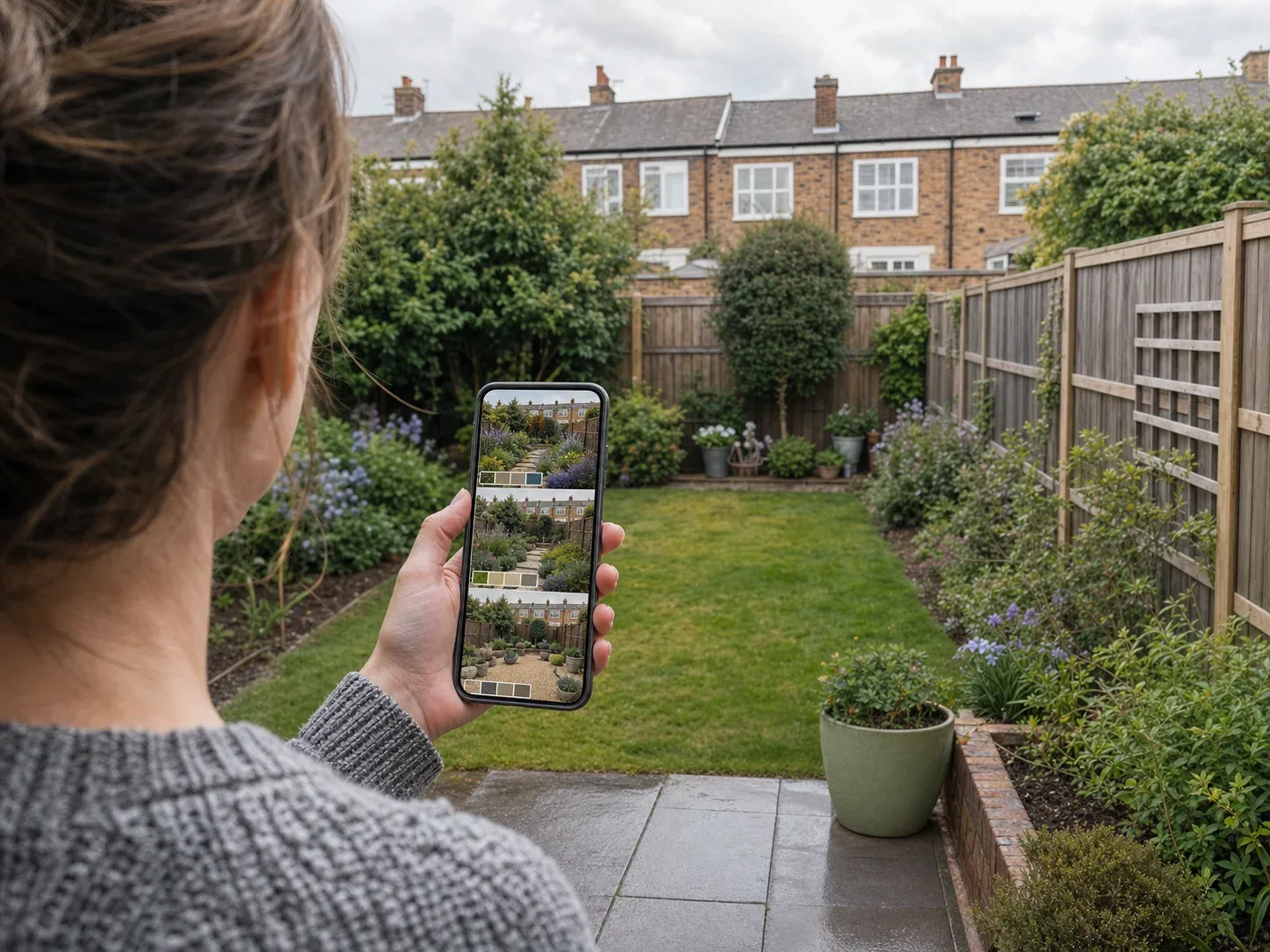
Photograph your garden, describe what you want, and most of these apps hand back a photorealistic redesign in under a minute — new planting, a patio where the lawn is, a pergola you hadn’t thought of. They’re genuinely impressive, but there’s one thing almost none of them will tell you: the garden in that render is about five years old. That isn’t a small caveat — it’s the single biggest gap between what these tools show and what you can actually build this year, and it runs through everything below. A note on wording, too, because the tools are inconsistent about it: garden, backyard, yard and landscaping all describe the same job here — “garden” is the British term, “backyard” the American one, and “landscaping” the trade word for the professional version. We compared ten tools: mobile apps ranked by App Store rating, newer apps worth knowing about, and web tools, plus what a backyard really costs, what these tools get wrong, and the plant question nobody in this category has properly solved.
How AI garden design tools actually work
The concept is simple. The differences that matter are how faithfully a tool keeps your room and how much control it gives back.
01
Photograph the garden
Shoot from the house looking out, or wherever shows the most ground and the boundaries.
02
Say what you want
Pick a style—Mediterranean, cottage, Japanese, low-maintenance—or describe it.
03
Let the AI redraw it
The tool changes planting, surfacing and features. Most tools do not know your climate.
04
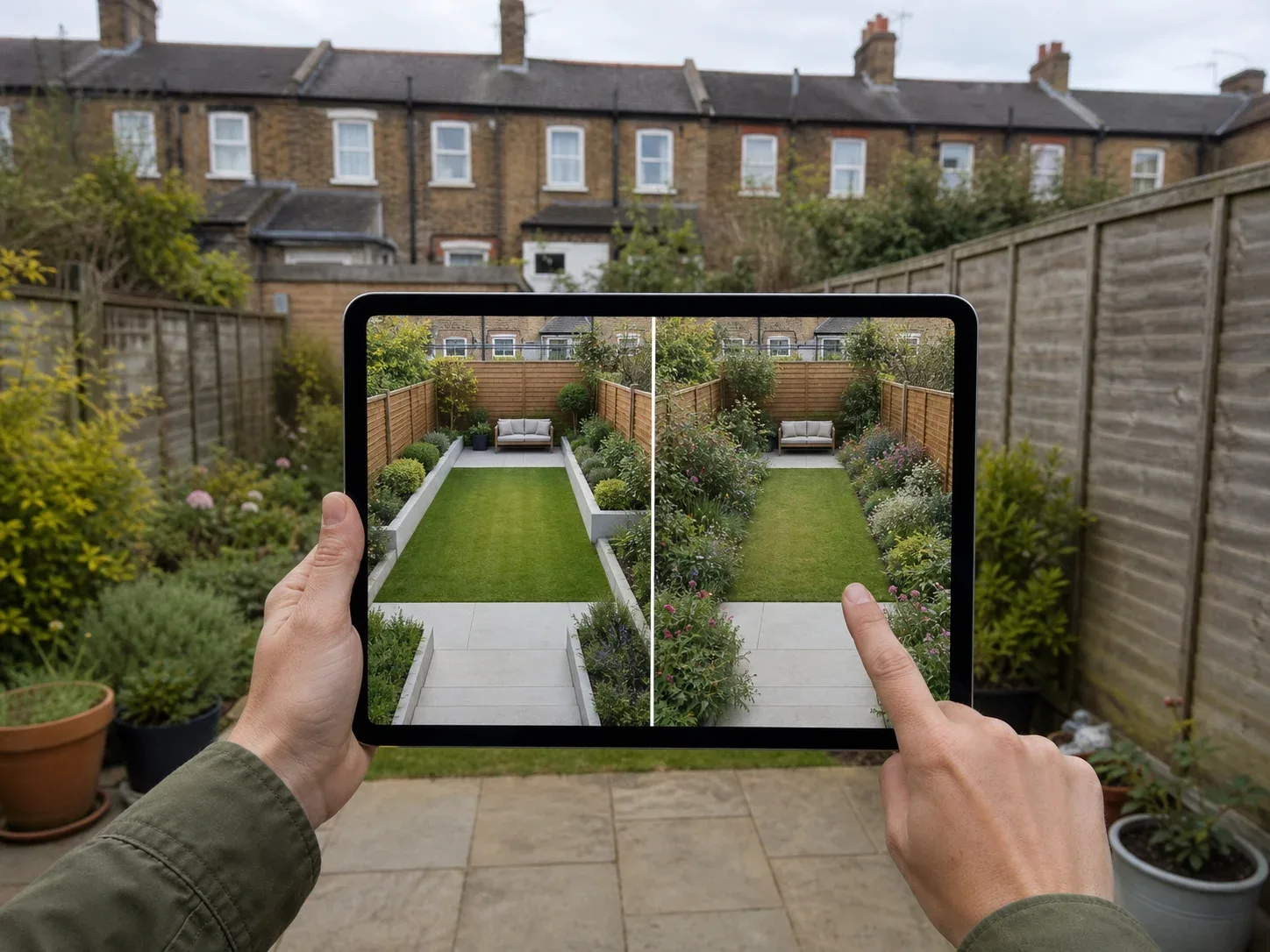
Compare and refine
Use variations to settle hard landscaping, then check every plant choice locally.
Quick comparison
UK App Store ratings and published pricing, checked July 2026. A dash means the rating was not available.
Tool
Type
Rating (UK)
Free tier
Price from
AI Garden Design
iOS + Android
4.5★ (457)
Limited
$7.99/wk · $59.99/yr
Home AI
iOS + Android
4.4★ (11,000)
~2/day, ad-heavy
$4.99/wk · $19.99/yr
iScape
iOS
4.2★ (764)
Limited
$7.99/wk · $299.99/yr
Garden AI
iOS
4.2★ (100)
Limited
$7.99/wk · $39.99/yr
Interior Design Clinic
iOS + Android
4.8★ (32)
Credits included
$9.99/wk · $49.99/yr
Remodel AI
iOS, Android, web
—
3 designs, no card
$29/mo · $349/yr
Neighborbrite
Web
—
Free, no install
Free
Hadaa
Web
—
Planting guide, no card
$12 per render
Gardenly
Web
—
None
$9/mo · $54/yr
DreamzAR
iOS + web
—
Limited
$19.99/mo · $199/yr
What a render doesn’t show you
Every image these tools produce shows a garden at maturity. Borders full, hedging knitted together, climbers established, trees with canopy. It’s the photograph a garden designer takes in year five, not the day the job finishes.
What year one actually looks like: bare soil between plants, shrubs at a third of their eventual size, gaps everywhere, and a lot of mulch. Perennials take two to three seasons to fill out. Hedging takes three to five years to close up. A tree at the size shown in most renders costs several times what a young one does, and young ones are what nearly everyone plants.
None of this is a reason to avoid these tools. It’s a reason to read them correctly:
The hardscaping in a render is roughly accurate. Paving, decking, walls, steps, pergolas — these look on day one much as they look in the image, because they arrive finished. If you’re deciding between porcelain and sandstone paving, or whether a raised deck works, a render is genuinely useful.
The planting in a render is aspirational. Treat it as a picture of your garden’s eventual shape, not its first summer. Budget for either patience or larger, more expensive plants — and know that the second option has limits, because many plants establish better when planted small.
No tool in this comparison shows a first-year view. It would be the single most useful feature any of them could add.
How we ranked these
Mobile apps are ordered by App Store rating, always shown with the number of people who gave it.
Ratings are stored per country; figures here are the UK store, checked July 2026. Review quotes are from public App Store reviews. Pricing from each product’s published information.
Mobile apps, ranked
1. AI Garden Design: Landscape AI — 4.5★ (457 ratings)
The most-rated dedicated garden app here and the highest-rated of the three ranked. Photo in, redesign out, with a reasonable style range.
It also attracts the sharpest criticism, and the complaints are specific enough to be useful. Two themes: undisclosed generation caps, and the model changing things it wasn’t asked to.
“Weekly allotment of 20 images” with “no indication at time of purchase” — and extra credits required just to see plant information.
“Inexplicably adds gazebos to everything” — and changed the house siding despite explicit instruction not to.
That second complaint matters more in a garden than indoors. Your house is in the frame, and a tool that redesigns your siding while redesigning your borders has produced an image you can’t use.
Around two designs a day, with heavy upsell prompts.
By far the most-rated app on this page, and the cheapest at $19.99 a year — but that rating comes overwhelmingly from interior use. It’s an interior design app that also accepts garden photos.
The gap shows. One reviewer put it directly:
“This app cannot generate garden designs to save its life. There is no flexibility or selection options for plants, geographical locations, weather, water features.”
That’s a fair description of most general-purpose tools pointed at a garden. They’ll produce something attractive; they won’t produce something horticultural.
The oldest and most established product here, and the only one with proper augmented reality — point your phone at the garden and place individual plants and features in position, rather than generating a whole scene.
That’s a genuinely different and often better approach. You’re composing rather than accepting.
Two warnings. At $299.99 a year it’s by a wide margin the most expensive option on this page, priced for landscape contractors rather than homeowners. And professionals in the reviews say it doesn’t go far enough for them either:
“Waste of time if you’re a pro… lacks adequate plant database and markup features within app.”
Newer apps worth knowing about
Review volume takes years to build, so a recent release can sit outside a sample-based ranking while still being the better tool. One of these holds the highest rating on the page.
Free to download with credits included. IDC Pro from $9.99/week or $49.99/year, discounted annual plans from $25.
Free tier
Credits included on download.
Top of the page on rating, from 32 reviewers — an early signal, not a settled verdict.
It handles exteriors as well as interiors, with the same plain-English editing — “keep the patio, change the planting” — which addresses the complaint running through the reviews of every app above: tools that change things you didn’t ask them to change.
Worth being clear about scope: it’s a design tool, not a horticultural one. It’ll show you what a Mediterranean scheme looks like in your garden. It won’t tell you whether an olive tree survives your winter.
The most generous no-card offer here, covering exteriors as well as interiors.
We’ve left the star rating out. Two unrelated apps called Remodel AI exist on the App Store with very different ratings, and we couldn’t establish which belongs to remodelai.io. Check the developer name against the link on their own site before subscribing.
Free to use with nothing to install, which makes it the obvious first thing to try. Tap the area you want to change, pick a style, get a design back. It offers location-based plant suggestions, though it doesn’t name a hardiness standard.
$12 per render, $9 each at three or more. No subscription.
Free tier
Planting guide and blueprint preview, no card.
The strongest plant handling in the category by some distance, and the only tool that states its mechanism plainly: every plant in every design is checked against your USDA hardiness zone before it appears. A Zone 5b garden in Chicago draws from a different palette than a Zone 10a garden in Phoenix.
Pay-per-render rather than subscription, which fits a one-off project.
The catch for UK readers: USDA zones are a US system. British gardeners work to RHS hardiness ratings (H1–H7), which are a different scale built around different winters. No tool in this comparison supports RHS. If you’re in the UK, treat any zone-based plant list as approximate.
$9/month ($54/year), Pro $14/month ($84/year). No free tier.
Free tier
None.
Also does genuine climate matching — hardiness zone, rainfall and sun exposure — and is the cheapest of the zone-aware options. No free tier, so you’re committing before you’ve seen output.
38+ garden styles and a chat interface for refining designs, on iOS and web. Broad and capable on the design side, vague on climate — “regional compatibility” without a stated mechanism. Its App Store rating is the weakest of the dedicated tools at 3.1 in the US store.
The plant problem nobody has solved
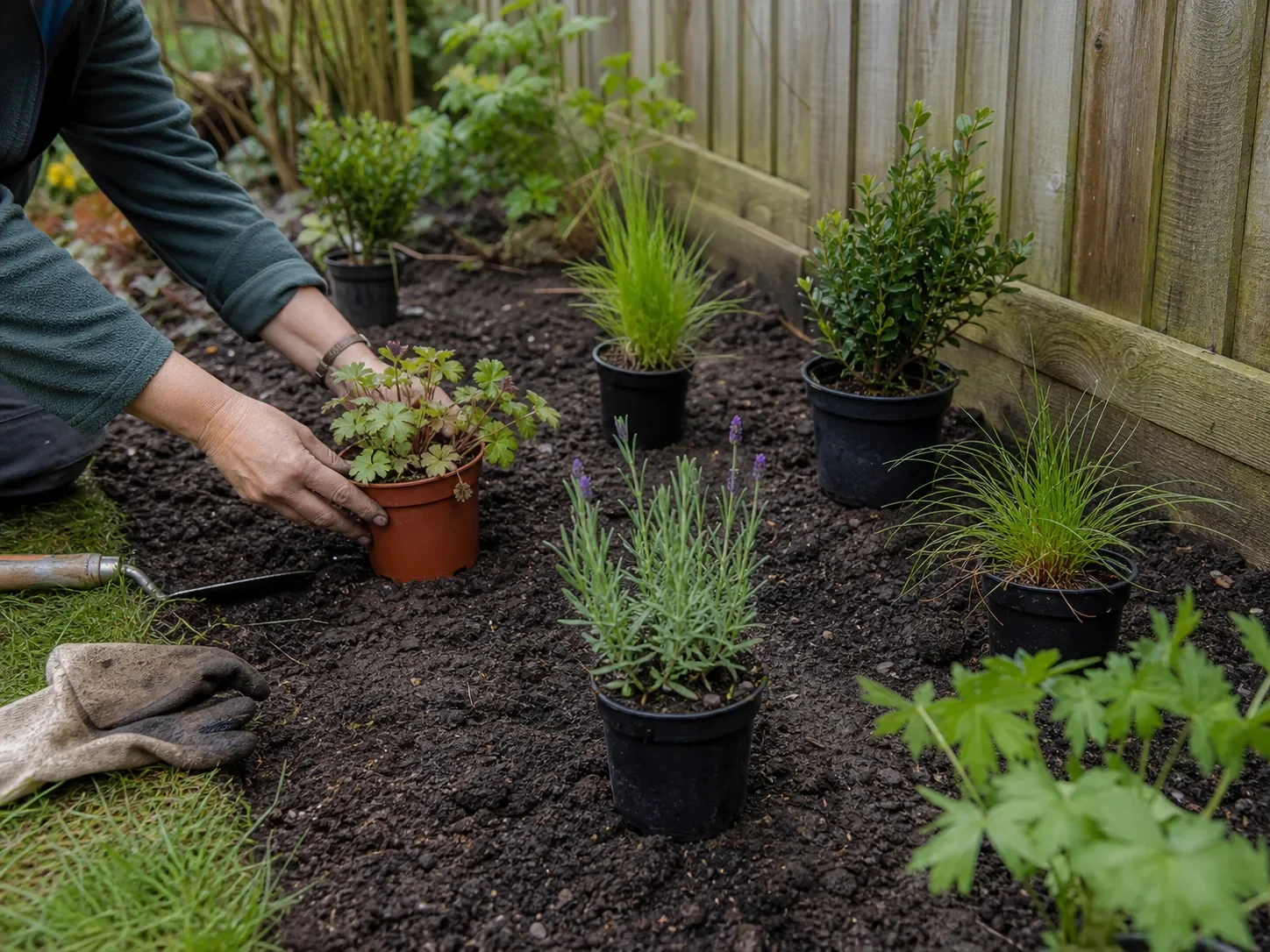
Decision detail Lay young plants out at their real spacing before planting—the gaps are part of year one.
Of the twelve tools examined for this comparison, only three make a genuine, mechanism-backed claim about matching plants to your climate: Hadaa, Gardenly and OutdoorBrite. Three more use vague “climate-aware” language with no named standard. The remaining six make no claim at all.
That matters because a garden render is a shopping list. Every plant in the image is a plant you might buy, and plants die when they’re wrong for the site. An AI that puts a tree fern in a Yorkshire garden or a birch in Phoenix has cost you real money, not just a wasted afternoon.
Two gaps stand open in this category:
Native planting. No tool markets native or pollinator-friendly plant selection, despite it being one of the fastest-growing concerns in domestic gardening.
RHS ratings. Every climate-aware tool is USDA-only. British gardeners use the RHS H1–H7 scale, which measures different things for a different climate. Given that “garden design” is the dominant term in the UK while “landscape design” dominates the US, the tools that take climate seriously are the ones least built for the market that uses the word “garden”.
Until that changes, the practical advice is unglamorous: use these tools to decide the shape of the garden, and take the plant list to a local nursery.
What AI consistently gets wrong in gardens
It changes your house. Your building is in the frame, and models frequently restyle the siding, render, windows or roof along with the garden. Check the house in the render against your photo before you get attached to anything.
It adds structures you didn’t ask for. Gazebos, pergolas and fire pits appear unbidden — one reviewer complained the tool “inexplicably adds gazebos to everything”. Attractive, and quietly adds thousands to a build.
It doesn’t understand levels. Sloping backyards are common and expensive, and models tend to flatten them. If your garden slopes, a render showing a level lawn is hiding the retaining walls and groundworks that would make it possible.
It has no idea what’s underneath. Drainage, tree roots, services, shallow soil over rubble. All invisible to a photo, all capable of deciding what you can actually build.
Boundaries drift. Fences and walls move, and neighbouring properties get quietly redesigned. Anything on the boundary line is where planning and neighbour agreement bite hardest.
What a garden actually costs
US landscaping projects average $8,700, with most falling between $3,300 and $13,200 (Lawn Love). A full backyard renovation runs $15,000–$50,000 (Angi).
The distribution is the useful part, because it’s the opposite of what a render implies:
Element
Typical cost
Does a preview help?
Planting and borders
$650–$3,000 per bed
Partly — shape yes, species no
Lawn (sod, installed)
$1,000–$3,000
Yes
Patio
$2,290–$6,420
Yes — strongest use case
Decking
$3,920–$10,540
Yes
Retaining walls
$3,600–$9,500
Partly — models flatten slopes
Irrigation
$2,540–$4,775
No
Outdoor lighting
$2,100–$4,900
Partly
Pergola
$2,100–$6,000
Yes
Fire pit
$370–$2,235
Yes
Outdoor kitchen
$5,055–$17,275
Yes
Hardscaping dominates the budget, and hardscaping is exactly what these tools render accurately. Paving, decking, walls and structures arrive finished and look like the image. Planting is the cheap part of a backyard and the part the render most misleads you about.
So the honest use is close to the opposite of what the marketing suggests: use AI to decide the layout and the hard materials, which is where the money goes and where the render is reliable. Use a nursery, a plant list and some patience for everything green.
And if you’d rather hire someone
A landscape designer charges $50–$150 an hour, with plans typically $700–$3,000 (HomeGuide). A landscape architect — needed for structural work, retaining walls, drainage — runs $100–$250 an hour, or 5–20% of project cost (HomeGuide).
Against a $15,000 backyard, a $1,500 design fee is 10% for someone who knows what your soil does in February. These tools are what you do before that conversation, so you arrive knowing what you want rather than paying hourly to discover it.
Garden styles worth previewing
Mediterranean — gravel, terracotta, olive and lavender, low water use. Renders beautifully. Check hardiness before ordering anything.
Cottage — dense mixed borders, informal paths, climbing roses. The style that suffers most from the maturity gap: year one looks nothing like the render.
Japanese — stone, moss, careful asymmetry, restrained planting. The most hardscape-dependent style here, which makes it the most accurately previewed.
Contemporary minimal — large-format paving, clipped forms, limited palette. Expensive per square metre and very reliant on materials, so worth previewing carefully.
Wild and naturalistic — grasses, perennials, loose structure. Cheap to plant, slow to establish, and the hardest for AI to render convincingly.
How to photograph your garden for the best result
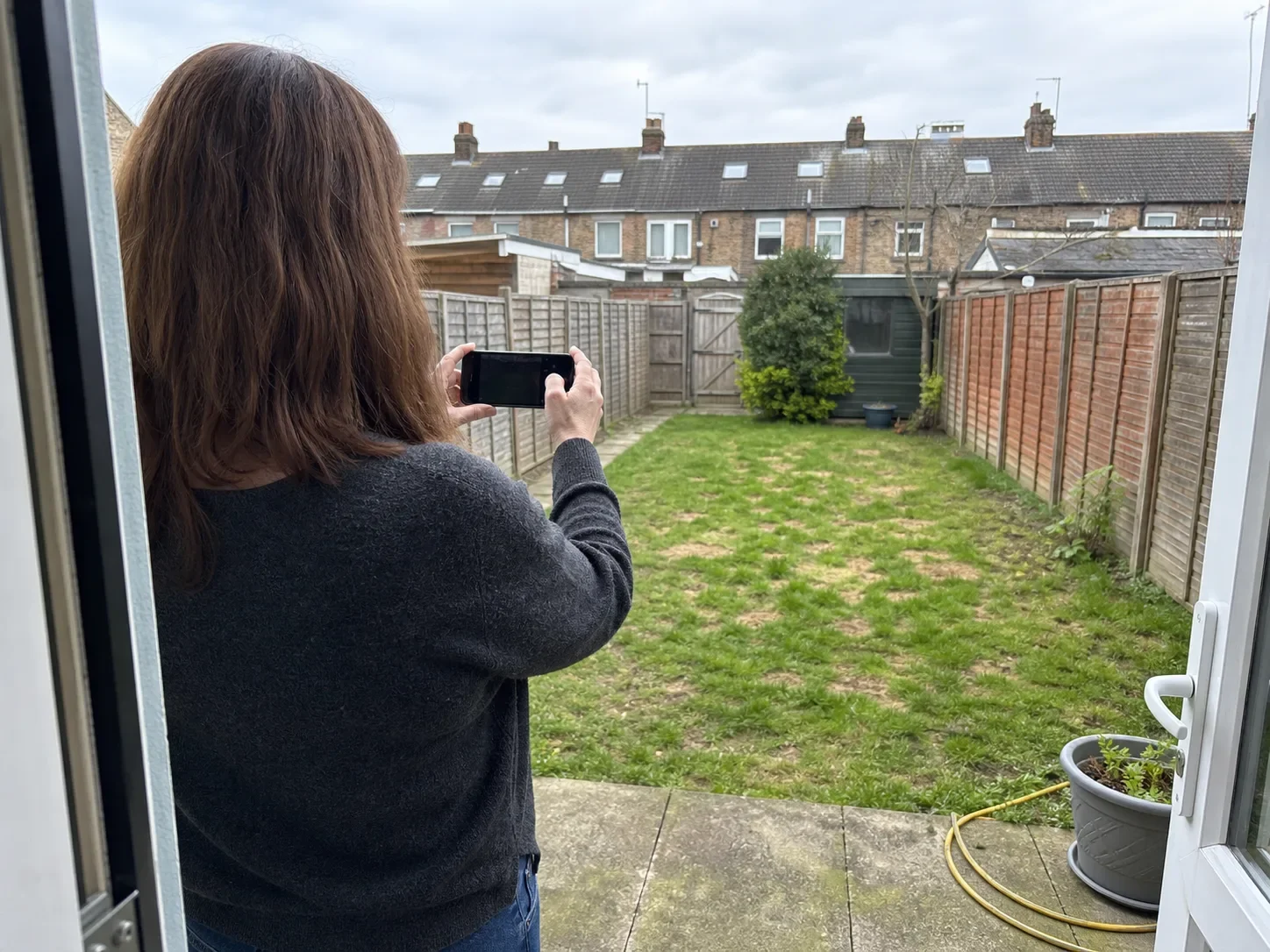
Photo setup Photograph the entire boundary in even daylight, including fences, levels and neighbouring context.
Shoot from the back of the house. It’s usually the view you actually live with, and it captures the most of the backyard in one frame.
Overcast is better than bright sun. Harsh shadows confuse the model and hide detail in planting.
Include the house. It sets the architectural context — but check afterwards that the model hasn’t restyled it.
Get the boundaries in. Fences and walls define the space. A photo that crops them tends to produce a render at the wrong scale.
Show the slope if there is one. Photograph across the fall, not down it, so the level change is visible.
Take three or four angles. From the house, from the far end looking back, and one across the width.
Before you commit
Decide the hard landscaping first. Paving, levels, structures and boundaries set the budget and the shape. Planting is comparatively cheap and easily changed.
Read the render as year five. Then decide whether you’re buying patience or larger plants.
Check the house in every render. Models restyle buildings without being asked, and it’s easy to miss.
Take the plant list to a nursery. No tool in this comparison is a reliable source on what survives where you live.
Get a professional view on anything structural. Retaining walls, drainage and level changes are where garden budgets go wrong, and none of it is visible in a photograph.
Frequently asked questions
Can AI design my garden for free?
Yes. Neighborbrite is free with nothing to install, Remodel AI gives three designs with no card, and Hadaa gives a planting guide free. Most dedicated garden apps paywall quickly.
Will the plants in the design actually grow where I live?
Usually unknown. Only three tools examined check plants against a climate standard, and all use the US hardiness system. If you're outside the US, treat any plant list as a starting point and confirm locally.
Why does the render look better than any real garden?
Because it shows the garden at maturity — typically three to five years after planting. Hardscaping looks like the render on day one; planting doesn't.
Can I give an AI garden design to a landscaper?
As a reference for the look, yes, and it's useful for that. Not as a plan — these produce images, not measured drawings, and nothing in them is dimensionally reliable.
Do these tools handle sloping gardens?
Poorly. Models tend to flatten slopes, hiding the retaining walls and groundworks that make a level garden possible. If your garden slopes, get a professional view on cost before trusting a render.
Can it design a front yard as well as a backyard?
Yes, though front gardens involve parking, access and sometimes planning constraints that no tool accounts for. Costs also differ sharply — a front garden typically runs $1,500–$5,000 against $15,000–$50,000 for a full backyard renovation, because backyards carry the patios, decking and outdoor living space.
Does it matter whether I search "garden" or "backyard"?
For these tools, no — they do the same job either way. It matters for what you'll find online: "garden" surfaces more UK results and editorial writing, "backyard" and "landscaping" surface more US tools and cost guides. Worth knowing if the pricing you're reading looks wrong for where you live.
Why does an app's rating differ from the one I see?
App Store ratings are stored per country. Newer apps with a few hundred ratings vary substantially between storefronts. Check your own country's store.
Are these tools worth paying for?
For hardscaping decisions, often yes. For planting, the free tiers are enough — you'll be taking the plant list to a nursery regardless.
Is a weekly subscription worth it?
Rarely. $7.99 a week is $415 a year against annual plans from $39.99. Pay-per-render options like Hadaa suit a one-off garden better than either.
Interior Design ClinicDesign the home you love — free
 AI Garden Design
 Home AI
 iScape
 Garden AI
 Interior Design Clinic
 Remodel AI
 Neighborbrite
 Hadaa
Hadaa Gardenly
 DreamzAR