Best AI Bedroom Design Tools 2026 (Mobile Apps and Websites)
Eleven AI bedroom design tools ranked by evidence, with real prices, free-tier limits, and a clear view of when an image preview helps more than a floor planner.
Updated
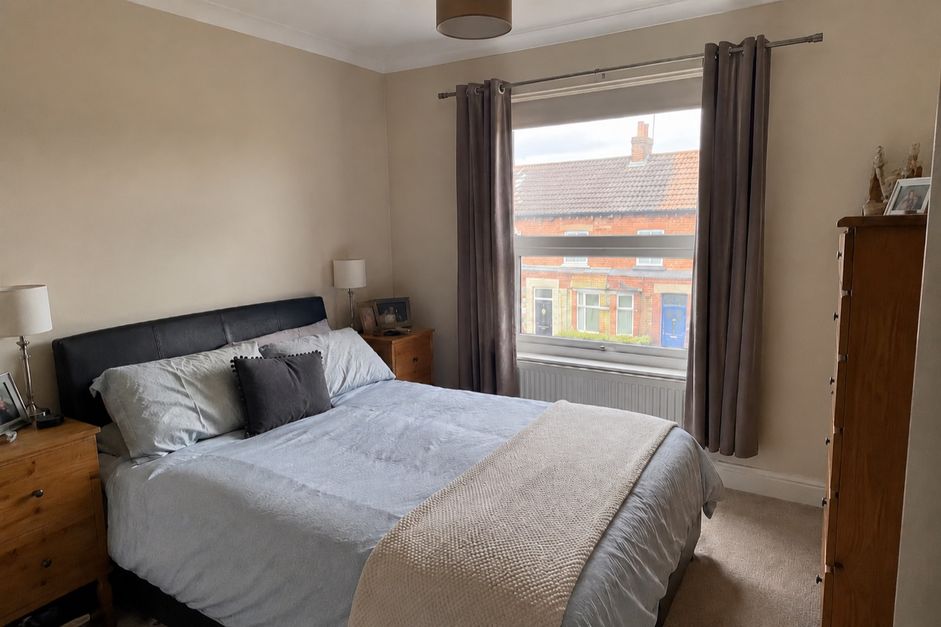
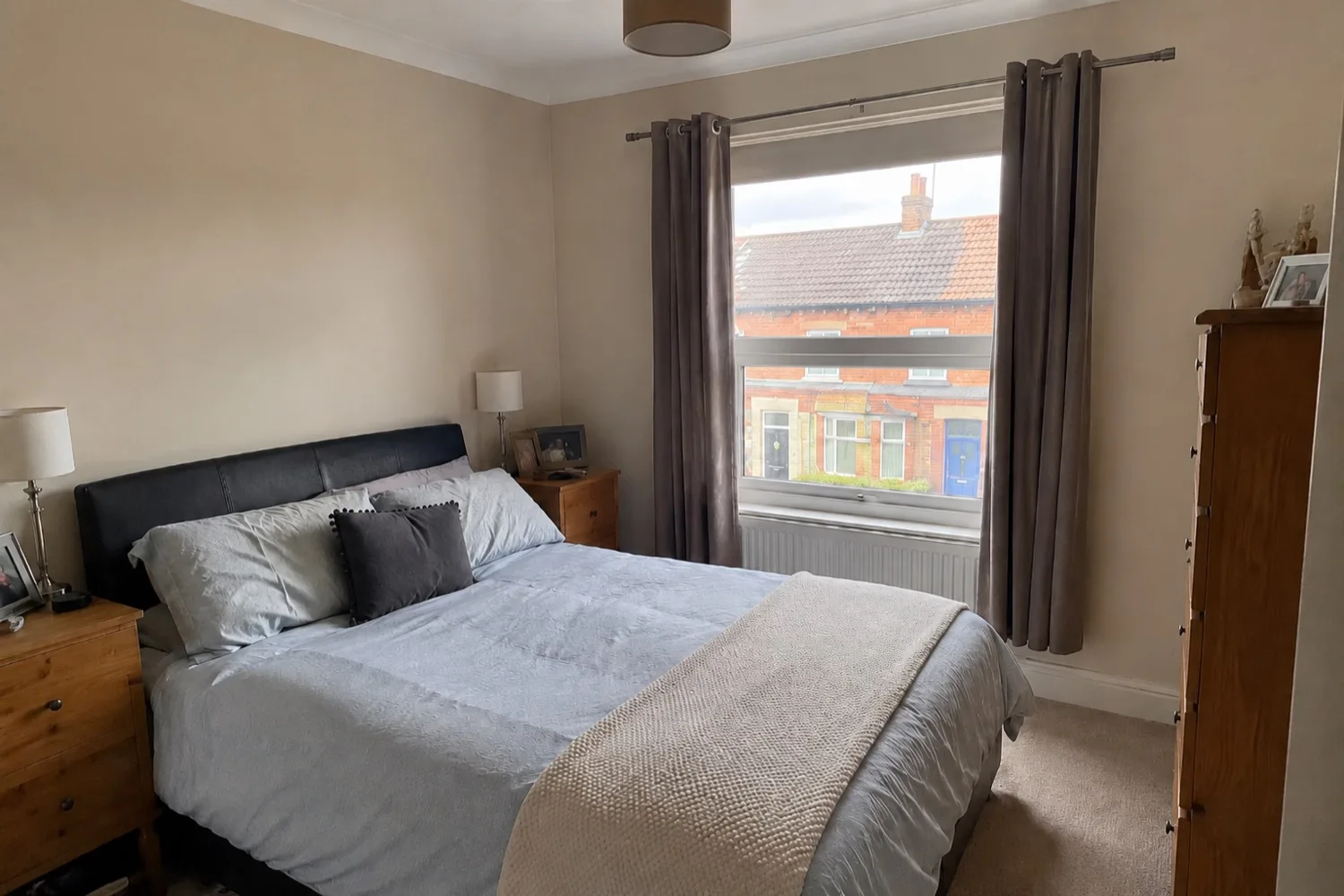
Before
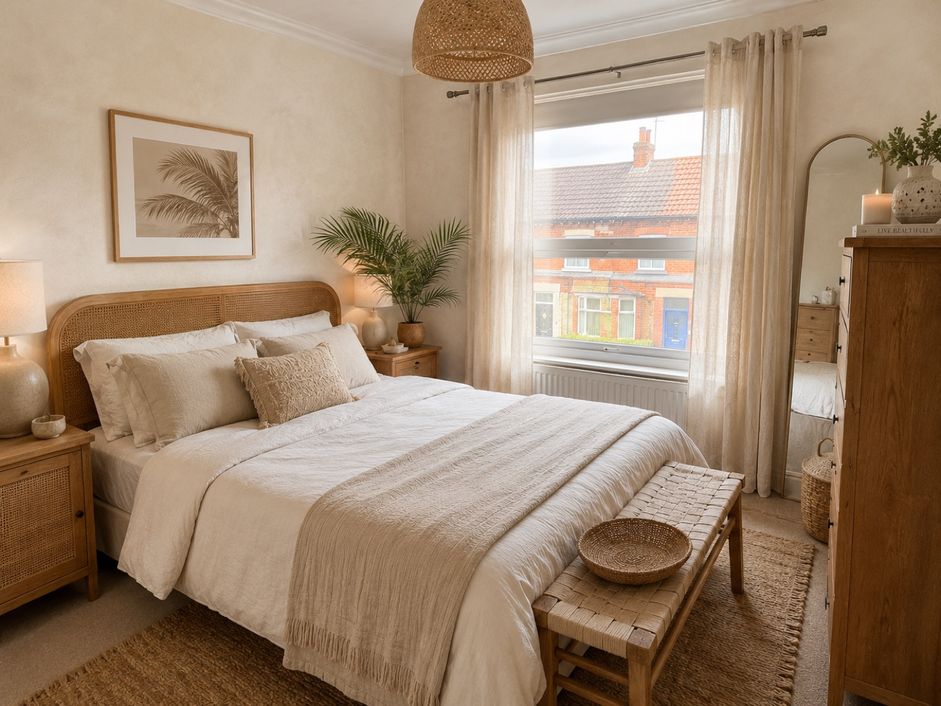
After
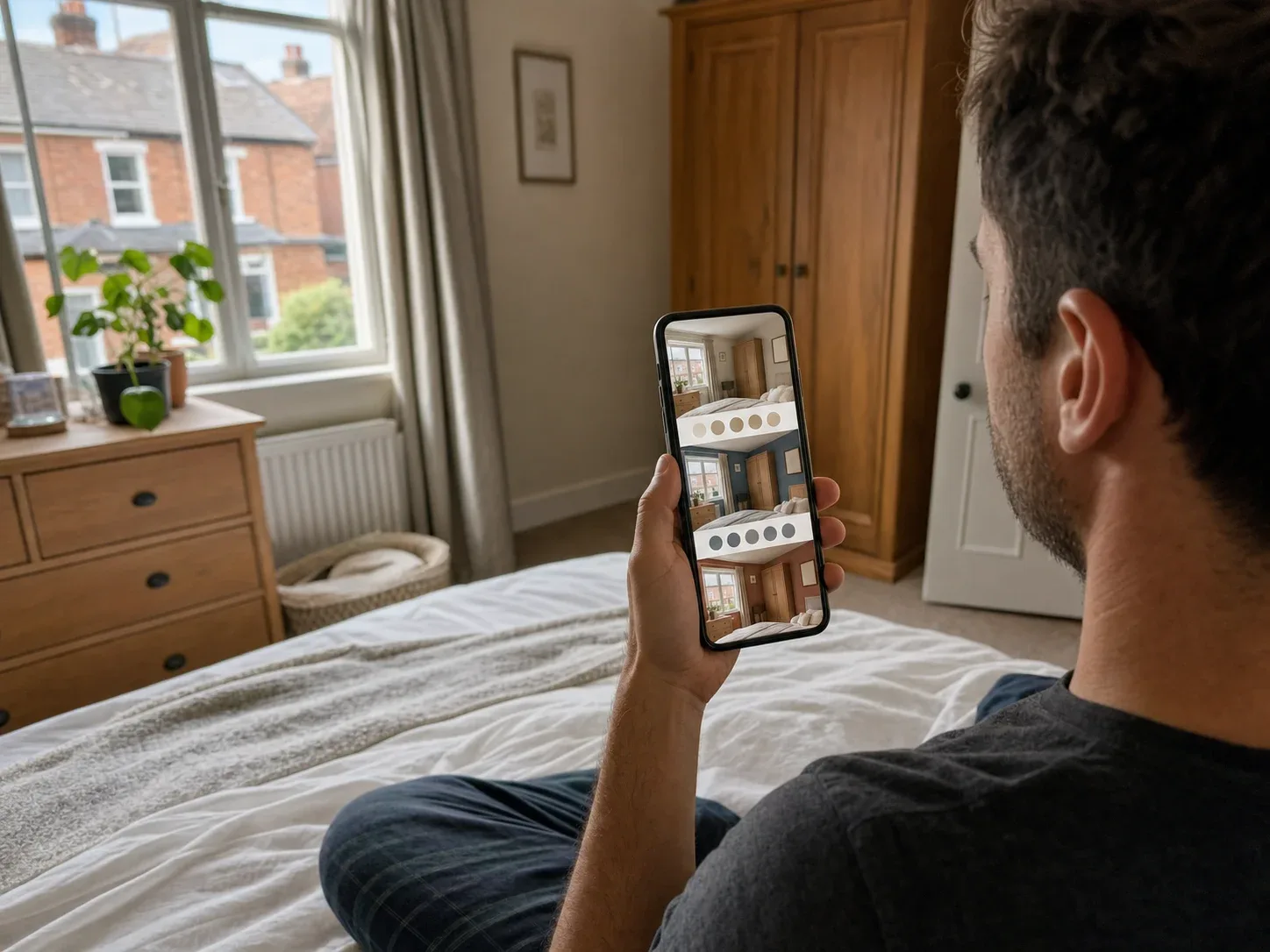
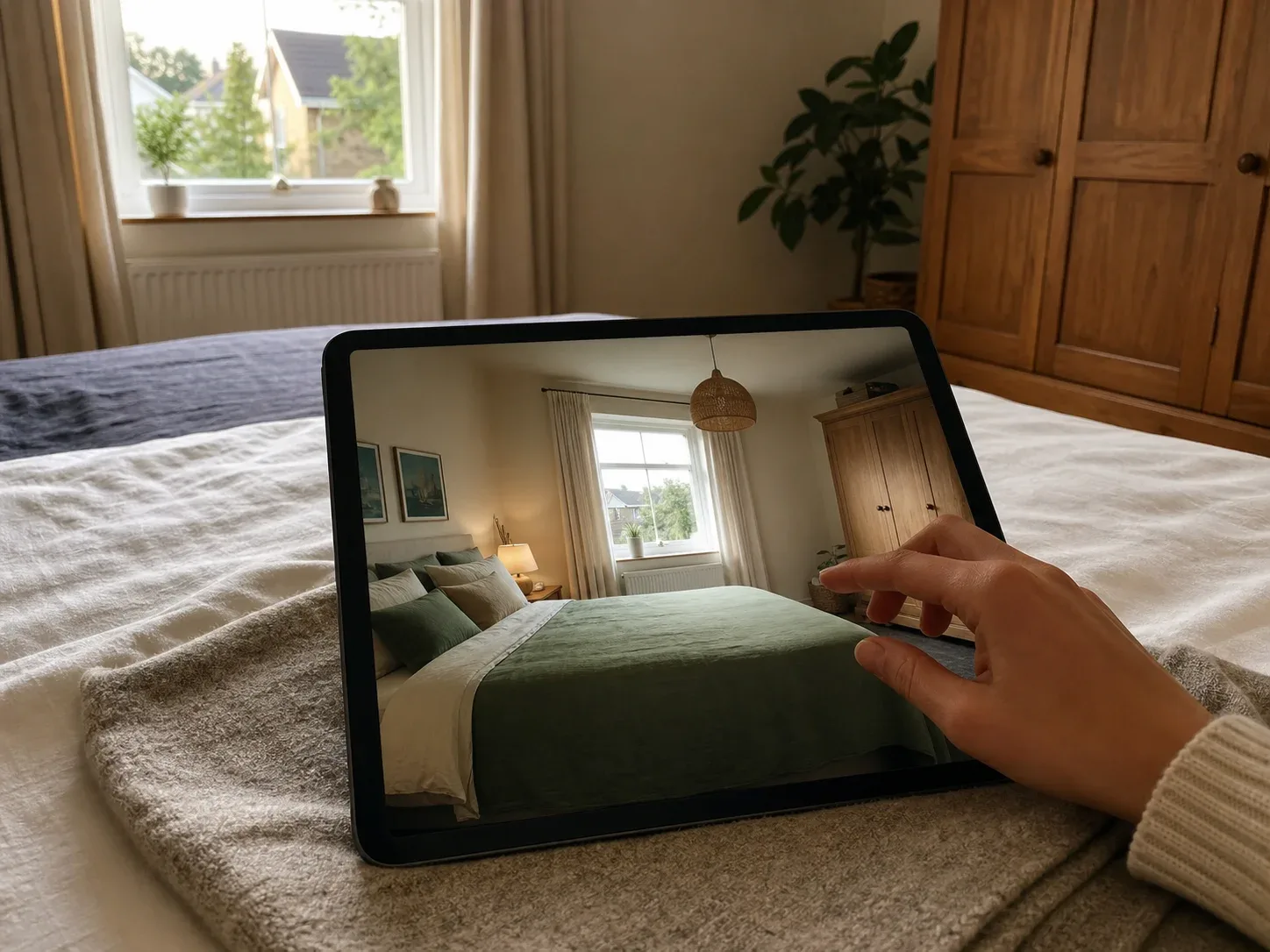
Photograph your bedroom, describe what you want, and most of these apps redesign the room in a minute or so — different wall colour, different bed, different lighting, your actual room. Bedrooms are the best possible use of these tools, and not because the stakes are high but because they’re low: it’s the one room you can transform dramatically for a few hundred dollars — paint, bedding, lamps, maybe a rug — and what stops most people isn’t money, it’s not being able to picture it. That’s a problem a render actually solves. We compared eleven tools: mobile apps ranked by App Store rating, newer apps worth knowing about, and web tools, plus what a bedroom refresh really costs and where these tools help versus where they don’t.
How AI bedroom design tools actually work
The concept is simple. The differences that matter are how faithfully a tool keeps your room and how much control it gives back.
01
Photograph the room
Shoot from the doorway, capturing two walls and the bed if you can.
02
Say what you want
Pick a style or describe it: calmer, warmer, less brown furniture.
03
Let the AI redraw it
The tool regenerates walls, bedding, furniture and lighting. It is not a measured plan.
04
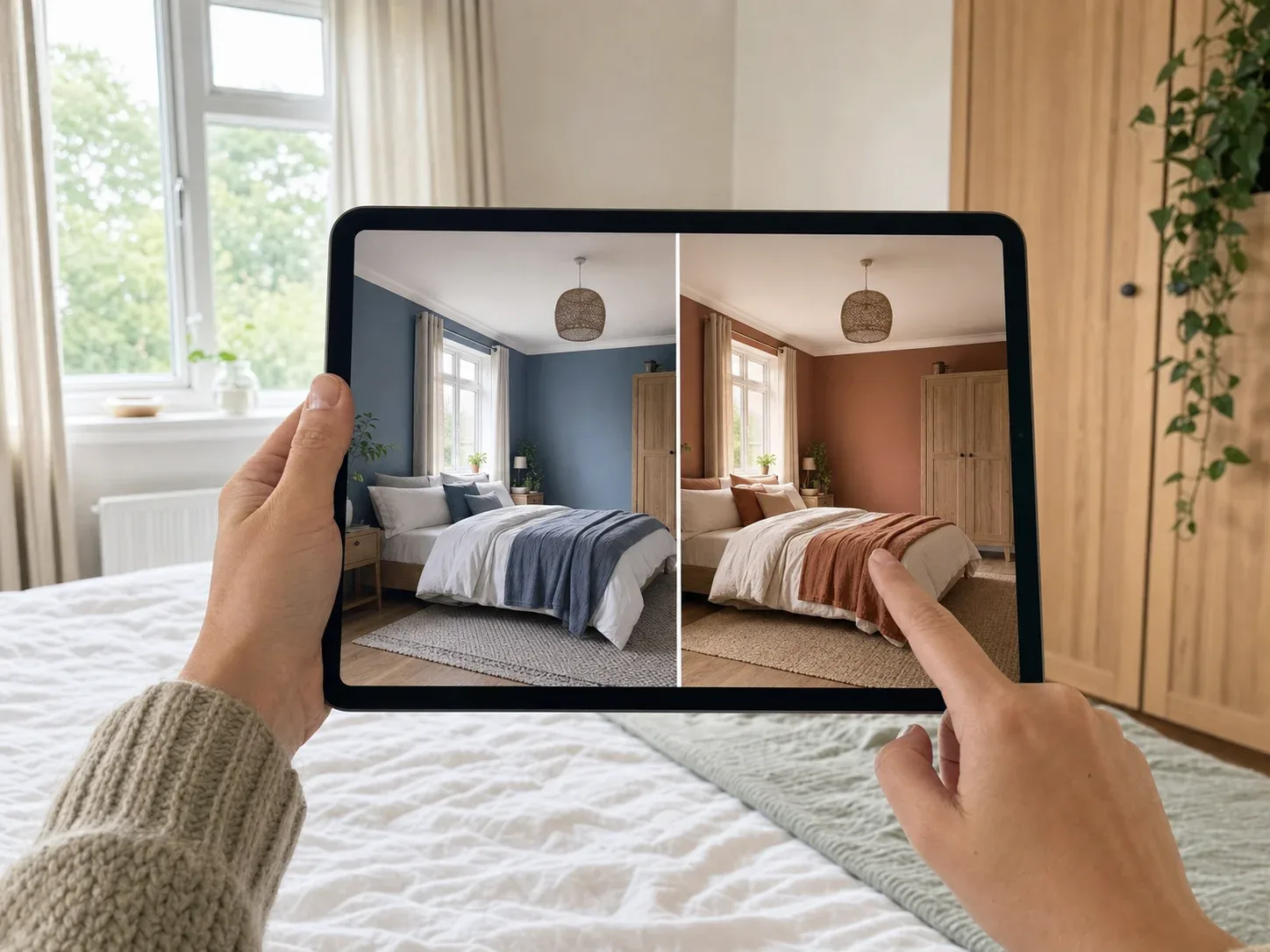
Compare and refine
Keep the bed or another anchor in place, and ask for variations around it.
Quick comparison
UK App Store ratings and published pricing, checked July 2026. A dash means the rating was not available.
Tool
Type
Rating (UK)
Free tier
Price from
RoomGPT
iOS + web
4.5★ (734)
1 design
$5.99/wk · $49.99/yr
Home AI
iOS + Android
4.4★ (11,000)
~2/day, ad-heavy
$4.99/wk · $19.99/yr
Homestyler
iOS + web
4.3★ (611)
Free tier + credits
$2.99/wk · $69.99/yr
Planner 5D
iOS + web
4.2★ (4,700)
Free, AI is paid
$7.99/wk · $29.99/yr
Interior Design Clinic
iOS + Android
4.8★ (32)
Credits included
$9.99/wk · $49.99/yr
House AI
iOS
4.7★ (34)
Trial
$4.99 day pass · $39.99/yr
Remodel AI
iOS, Android, web
—
3 designs, no card
$29/mo · $349/yr
Decoratly
Web
—
2 renders, no email
$3.99 for 24 hours
GenRoom
Web
—
6 credits, no card
$9.99 one-time
Home Design AI
Web
—
Full tool, no signup
$9.99/mo · $119/yr
MyArchitectAI
Web
—
10 renders, login
Free tier generous
How we ranked these
Mobile apps are ordered by App Store rating, always shown with the number of people who gave it. Forty reviewers and forty thousand produce very different levels of confidence in the same number.
One caveat worth stating plainly, because it affects every rating on this page: several apps in this category prompt users to rate them before letting them generate anything. Reviewers say so themselves. That inflates scores across the board, which is precisely why the rating count matters more than the rating — a number built on 11,000 people is harder to game than one built on 30.
Ratings are stored per country; figures here are the UK store, checked July 2026. Review quotes are from public App Store reviews. Pricing comes from each product’s published information.
Free with in-app purchases. Weekly from $5.99 up to $39.99. Yearly $59.99, often discounted to $49.99. Credits from $2.99.
Free tier
One design, then paywalled.
The best-known name in the category and the default recommendation almost everywhere, claiming over four million users. It works perfectly well on a bedroom.
Two things to weigh. Its pricing isn’t published — the site shows a discount code rather than a price list, so you find out at the paywall. And reviewers consistently report generation caps that weren’t disclosed:
“Absolute waste of money - one week for £6 and it does nothing. The images are limited so you can reach your ‘weekly limit’ after just a few images. This is not clear when purchasing.”
“I subscribed to Pro version. Reached the limit in less than 1hr. That limit is not visible anywhere.”
Free with in-app purchases. Weekly $4.99–$14.99, yearly $19.99–$39.99.
Free tier
Around two designs a day, with heavy upsell prompts.
Fifteen times more rated than RoomGPT — 11,000 UK ratings, over 10 million Play Store downloads — which makes it the most road-tested option here by a wide margin. The $19.99 yearly plan is the cheapest on this page.
The volume of reviews also means the complaints are well-documented. The recurring one is the model regenerating rather than editing:
“You cant create your own. It changes your image to however it wants. So frustrating”
Free with in-app purchases. Credit packs from $0.99, weekly $2.99, monthly $9.99–$19.99, 12 months $69.99.
Free tier
Usable, credit-metered.
Less a photo-redesign tool than a full design environment — a large furniture catalogue, wall coverings, flooring, textiles and lighting, plus floor-plan-to-3D conversion.
For bedrooms that catalogue matters more than it does elsewhere. Bedroom decisions are mostly furniture decisions — bed, wardrobe, nightstands, lamps — and Homestyler is the only tool here that lets you place specific pieces rather than accept whatever the model invents.
“The items to put in a room are distorted and also blurry.”
At $2.99 weekly and credits from $0.99, it’s also the lowest-commitment way in.
Weekly $7.99, yearly from $29.99. Catalogue add-ons from $6.99.
Free tier
Free planning; the AI generator is paid.
The second most-rated app here, and a different proposition again: real floor plans with real dimensions. For most bedroom projects that’s more than you need — but if you’re deciding whether a king bed leaves room to open a wardrobe, or planning built-in storage, it’s the only tool here that answers the question.
Weekly at $7.99 is poor value against $29.99 for a year.
Newer apps worth knowing about
Some of the most interesting products here are the newest. Review volume takes years to build, so a strong recent release can sit outside a sample-based ranking while still being the better tool for your room. One of the three below holds the highest rating on this page.
Free to download with credits included. IDC Pro from $9.99/week or $49.99/year, discounted annual plans from $25.
Free tier
Credits included on download.
Top of the page on rating, from 32 reviewers — an early signal rather than a settled verdict.
The difference from the rest of this list is that the styles come from a working designer rather than a general-purpose model, so the library reflects specific decisions rather than generic labels. That tells more in a bedroom than most rooms, because bedroom styles are the ones most often reduced to a cliché — “boho”, “minimalist” — by tools working from style names alone.
Editing is directed in plain English — “keep the bed, change everything else” — which addresses the complaint that runs through every set of reviews on this page.
A recent arrival explicitly targeting bedrooms, claiming 35+ styles. The $4.99 24-hour pass is a sensible shape for a one-room project, and worth noting alongside Decoratly’s below — day passes suit this job far better than annual plans.
Rated highly, but from 34 reviews. Treat accordingly.
Three designs at full quality with no credit card.
The most generous no-card offer here, and worth trying on that basis.
We’ve left the star rating out. Two different apps called Remodel AI sit on the App Store, from unrelated developers, with very different ratings, and we couldn’t establish with confidence which belongs to remodelai.io. Rather than attach the wrong number, we’ve omitted it — check the developer name against the link on their own site before subscribing.
Worth knowing more generally: app names aren’t exclusive, and the better-known tools in this category attract close imitations.
Subscriptions run to $1,199 a year, priced for professionals rather than someone doing one bedroom.
Two full renders, no watermark, no email, no credit card.
Two complete bedroom renders at full quality without handing over an email address, then a day pass for unlimited use. For one room over a weekend that beats every subscription on this page. 30+ styles plus a custom style builder.
$9.99 for 36 credits, $19.99 for 100, $39.99 for 300. One-time, valid 180 days.
Free tier
6 credits on signup, no card.
Credits rather than a subscription, which suits a project that stalls for a few weeks. 63 styles and a text editor for refining a render instead of regenerating it.
The only tool here you can use without creating an account. Its bedroom page leans heavily on “sleep science” — colour psychology, circadian-friendly palettes, bed positioning. Treat that framing with some scepticism; see below.
Ten free renders is enough to properly test several directions rather than getting one shot.
About “sleep science”
Several tools market bedroom design as sleep optimisation — circadian colour palettes, sleep-enhancing schemes, scientifically-calming layouts.
Be clear about what’s happening. These are image generators. They do not know your sleep patterns, they are not applying research, and no tool on this page has any mechanism for evaluating whether a design helps you sleep. “Sleep-optimised” is a style label with a lab coat on.
Some of the underlying advice is reasonable — darker rooms and lower-contrast schemes do generally suit sleeping — but you can get that from any decorating guide. It isn’t coming from the model, and no render should be treated as a health recommendation.
What AI consistently gets wrong in bedrooms
The bed. It’s the largest object in the room and the model’s main anchor, and it’s where errors concentrate — headboards floating clear of the wall, beds rendered at the wrong size for the room, pillows multiplying. Check it against your photo.
Regenerating instead of editing. The single most common complaint across every app here. You ask for a new wall colour and get a different room — different window, different floor, sometimes different proportions. Tools offering constrained editing are meaningfully better on this, and it’s worth testing before you pay.
Textiles. Bedding, curtains and rugs are where these models are weakest after reflective surfaces. Folds go strange, patterns drift mid-fabric, and layered bedding often resolves into something that couldn’t physically be made.
Built-in storage. Wardrobes and fitted units are architectural, and models treat them as furniture. Expect doors that don’t align with the carcass and runs that don’t meet the ceiling cleanly.
None of this makes them useless. It means judging the palette and the overall feel, not the detail.
What a bedroom actually costs
Here’s the thing that makes bedrooms different from every other room, and it’s the reason these tools are more useful here than anywhere else.
A full bedroom remodel is expensive — $20,000 on average, typically $12,000–$28,000, at roughly $100–$200 per square foot (HomeAdvisor). Structural work, new flooring, built-in storage, rewiring.
But almost nobody does that. What people actually do to a bedroom costs a fraction of it:
Paint, a light fitting and new bedding is a few hundred dollars and changes the room completely. That’s the bedroom’s peculiarity: it’s the room with the widest gap between how different it can look and how little that costs.
Which flips the usual argument for previewing. In a kitchen you preview because getting it wrong costs $15,000. In a bedroom you preview because the change is cheap enough to actually do — the obstacle was never budget, it was not being able to picture it.
Where a preview helps, and where it doesn’t
Decision
Cost
Does a preview help?
Wall colour
$240–$720
Yes — the single best use
Bedding and textiles
Low
Yes
Lighting
$158–$1,021
Partly — models render fixtures poorly
Rug and layout feel
Varies
Yes
Furniture choice
$3,000–$15,000 for a full set
Partly — better with a catalogue tool
Flooring
$780–$2,813 carpet
Yes
Built-in storage
$500–$5,000+
No — use a floor planner
Moving walls or windows
Significant
No
One thing worth knowing before a full remodel
A bedroom remodel returns 20–45% of its cost at resale. Converting existing space into a new bedroom returns 50–75% (Angi).
So if the money is an investment decision, adding a bedroom pays back roughly twice as well as improving one. If it’s about living somewhere you like, ignore that entirely — but it’s worth knowing which conversation you’re having.
Bedroom styles worth previewing
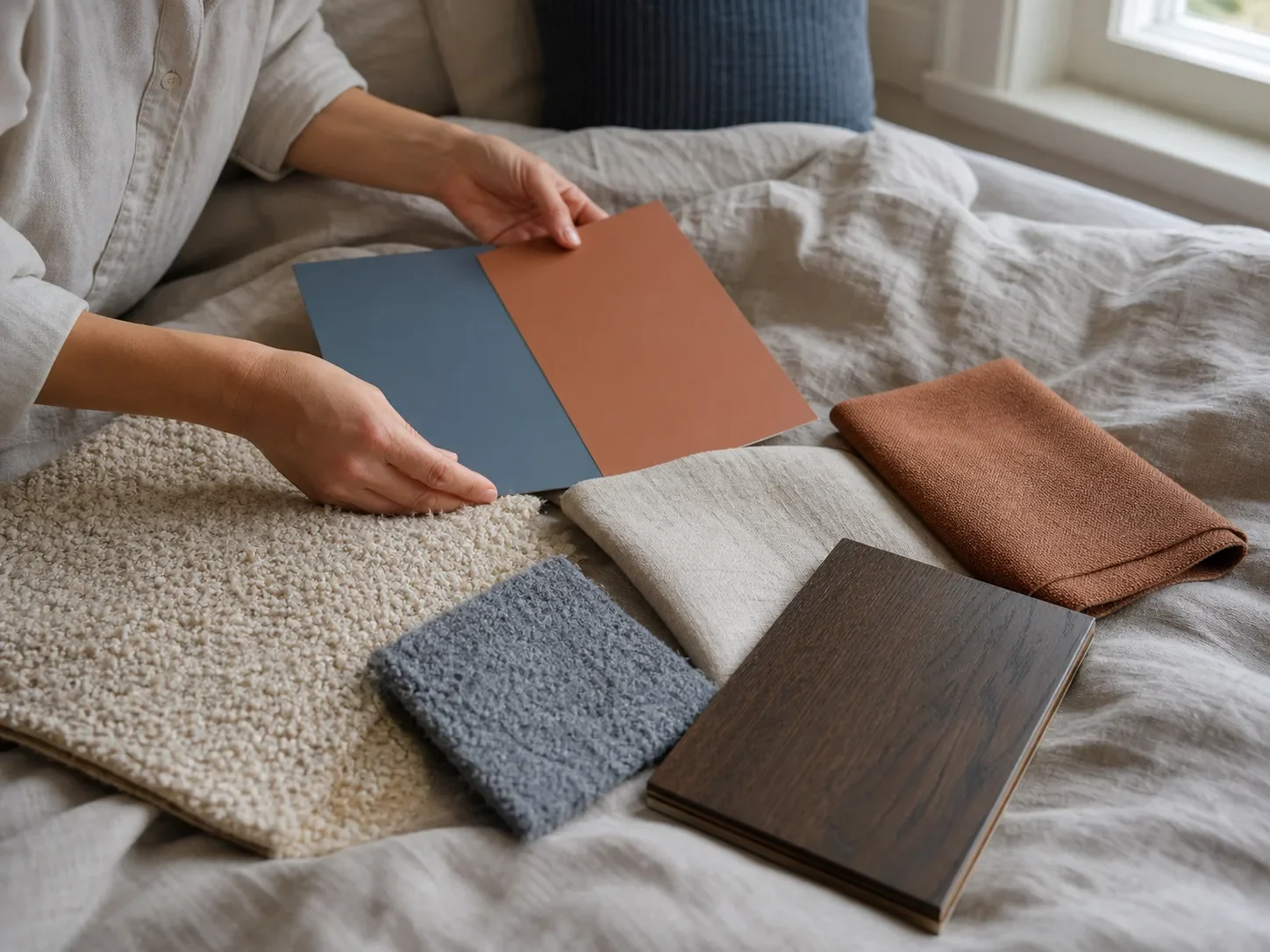
Decision detail Test colour, timber and textiles as one palette; each material changes how the others read.
Warm minimalism — pared back but not cold. Timber, linen, low contrast, very little on the walls. The most forgiving direction in a small bedroom.
Japandi — Scandinavian function meeting Japanese restraint. Light woods, low furniture, muted palette. Works well in rooms with limited natural light where high contrast reads as harsh.
Dark and enveloping — deep green, ink blue or charcoal on all four walls. Counter-intuitive in a small room and usually the better choice, because a small bedroom that leans into being a cocoon beats one pretending to be large.
Modern classic — panelled headboard wall, symmetrical lamps, restrained palette. Suits period rooms where a flat modern scheme fights the architecture.
Layered neutrals — one of the hardest to get right and the most common request. Worth generating precisely because the difference between rich and drab is subtle enough that most people can’t picture it in advance.
How to photograph your bedroom for the best result
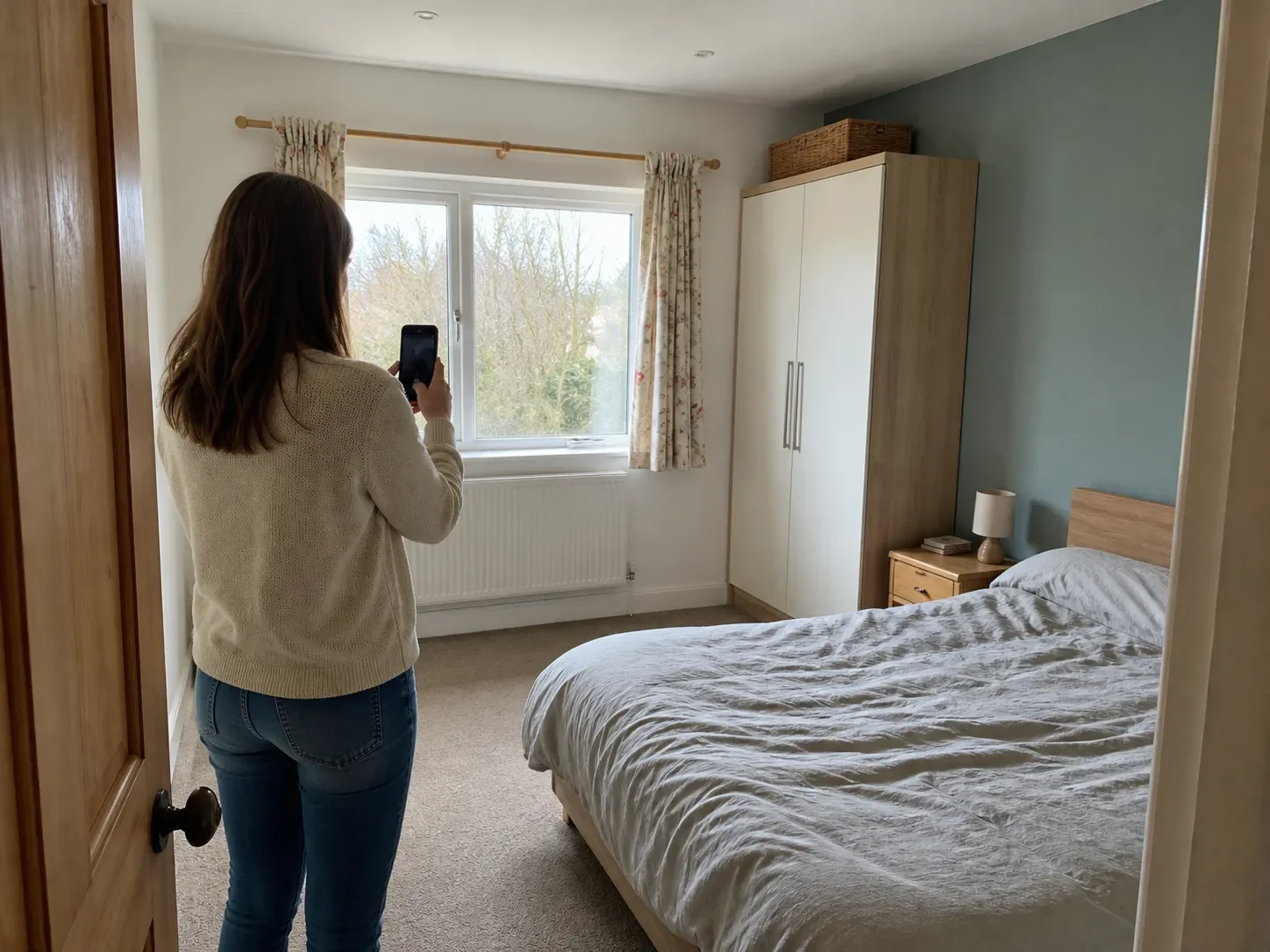
Photo setup Use a corner or doorway so the model can read the bed, window, storage and walking space together.
Shoot from the doorway. Usually the only position that captures the whole room, and it gives the model two walls plus the floor.
Use the standard lens, not ultra-wide. Ultra-wide bends the walls and the AI reproduces the distortion.
Make the bed. More than tidiness — an unmade bed confuses the model about where the bed actually is, and the result is usually a mess.
Shoot in daylight with the lights on. Bedrooms are often the darkest room in the house and dark photos produce muddy results.
Clear the surfaces, keep the furniture. Take away laundry and clutter. Leave the bed, wardrobe and nightstands — the model uses them for scale.
Take three or four angles. Doorway, corner, and one from the foot of the bed. Useful when free tiers limit your generations.
Before you commit
Start with paint. It’s the cheapest change with the largest effect, and the one these tools handle best. Everything else can follow.
Don’t buy furniture from a render. The furniture in an AI image doesn’t exist. Use it to decide what kind of thing you want, then go and find the real version.
Check the bed against your photo. It’s where the model makes most of its mistakes, and it’s the thing you’ll notice every day.
Test colours at night. Bedrooms are used more in artificial light than any other room. A colour chosen from a daylight render can look completely different under a bedside lamp.
Change one layer at a time. Paint, then textiles, then lighting, then furniture. Bedrooms are cheap enough to iterate on — one of the few rooms where you can afford to change your mind.
Frequently asked questions
Can AI design my bedroom for free?
Yes, more genuinely than in most categories. Decoratly gives two full watermark-free renders with no email, GenRoom gives six credits with no card, MyArchitectAI gives ten renders on signup, and Home Design AI needs no account at all.
Can it keep my existing furniture and just change the colours?
This is where these tools differ most, and the most common complaint is that they don't. Some regenerate the entire room. If keeping your bed matters, test it on your own photo before paying.
Do these tools understand sleep or circadian lighting?
No. Some market themselves that way, but they're image generators with no knowledge of your sleep and no mechanism for evaluating a design's effect on it. Treat "sleep-optimised" as a style label.
How accurate are the colours?
Less accurate than you'd like. Requested colours often come back altered because the tool changes the lighting at the same time. Use renders for direction and confirm with a physical sample on your own wall.
Which is best for a small bedroom?
Any of the photo tools will restyle one. If the problem is fitting furniture rather than choosing it, use Planner 5D — image tools can't tell you whether a bed leaves room to open a wardrobe.
Can I use these to choose actual furniture?
Only Homestyler and Planner 5D let you place specific catalogue pieces. Everything else generates furniture that looks plausible but doesn't exist, which is fine for direction and useless for shopping.
Why does an app's rating differ from the one I see?
App Store ratings are stored per country. Apps with large global bases look similar across storefronts; newer apps with a few dozen ratings can differ substantially. Check your own country's store rather than any figure quoted elsewhere, including here.
Are the star ratings trustworthy?
Partly. Several apps in this category prompt for a rating before letting you use them, which inflates scores. That's why rating count matters more than the rating itself.
Is a weekly subscription worth it?
Rarely. $7.99 a week is $415 a year against annual plans from $19.99. For one bedroom, a day pass or a credit pack costs a fraction of either.
Interior Design ClinicDesign the home you love — free
 RoomGPT
 Home AI
 Homestyler
 Planner 5D
 Interior Design Clinic
 House AI
 Remodel AI
 Decoratly
 GenRoom
 Home Design AI
 MyArchitectAI